
TUVYT Logo

TUVYT

Timely Unified Vehicles for Your Transit.

From

FUERZAFORGE

"Ride faster. Travel smarter. Move everything."

Loading Available Rides... Please wait
TUVYT Active Fleet - Motorbikes, Bajajis, Taxis, Buses & Cargo. • "Ride faster. Travel smarter. Move everything." • FuerzaPay Instant Settlement & Wallet • Real-time matching across Tanzania
Active Transit Fleet

Explore Available Rides & Fleet Categories

Browse our comprehensive range of verified transport options. From quick city motorbikes and bajajis to regional buses, cargo haulage, and private charters.

Category 1

Motorbikes & Three-Wheelers (Bajaji)

Fast point-to-point urban mobility designed to beat traffic congestion and deliver you swiftly.
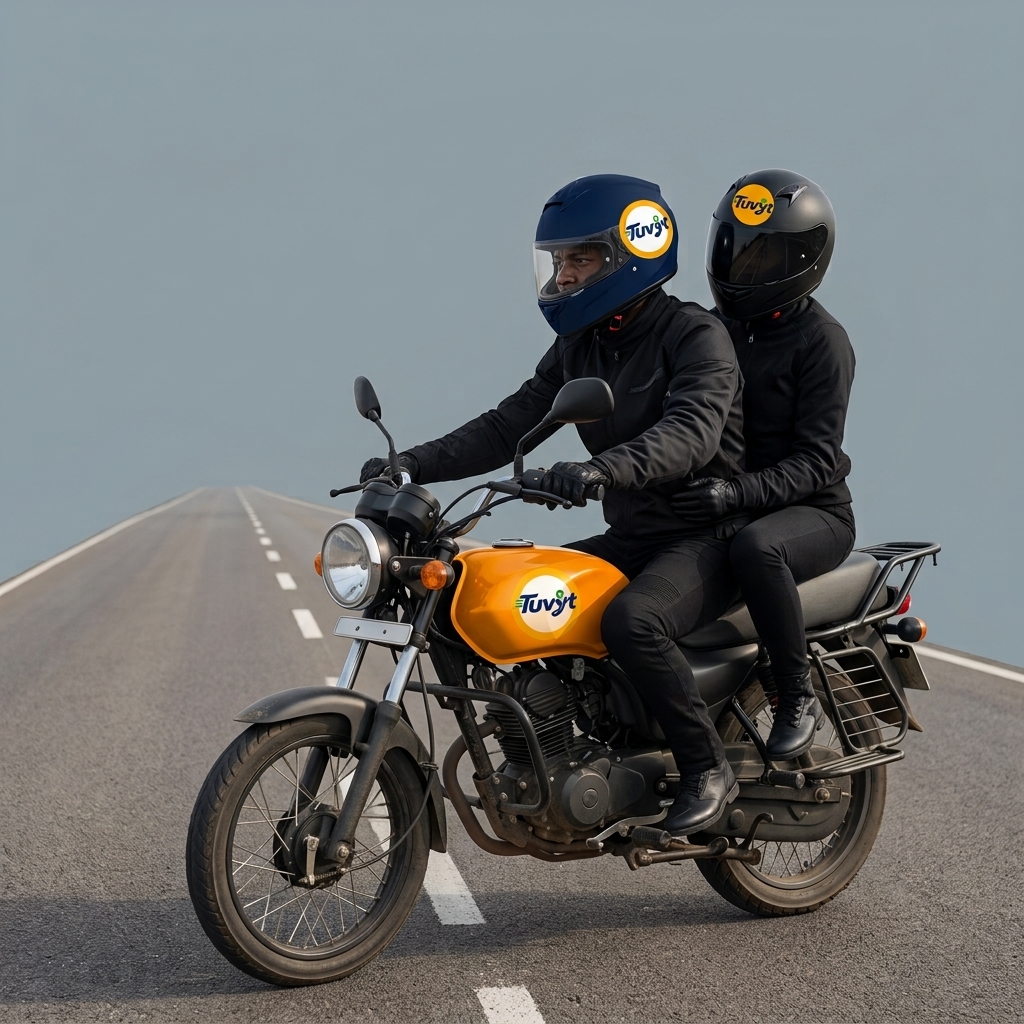
Motorbike Express Express Motorbike
Bajaji Three-Wheeler Bajaji Three-Wheeler
Helmet & Safety Gear Helmet Provided
Instant City Ride Instant City Commute

Steps to Request Motorbike, Taxis, Chaperones

  1. 1 Click Where To button: The page will open two parts in one sheet: i. Request Ride and ii. Private Hire.
  2. 2 Remain on default Request Ride section.
  3. 3 Enter pickup and dropoff location, then submit.
  4. 4 Choose desired vehicle, then select payment option between Wallet, Pay by Phone, and Cash.
  5. 5 Confirm ride.
  6. 6 Select the available offers and options.
  7. 7 Swipe right button to send the request.
  8. 8 If driver sends a suggestion, confirm it or choose a desired one.
  9. 9 Wait for driver for pickup.
  10. 10 Enter into ride.
  11. 11 Pay after dropoff.
  12. 12 Rate driver.
  13. 13 Return to dashboard.

Fleet Specifications & Availability

  • 1 Verified riders stationed within a 3km radius for instant pickup.
  • 2 Transparent pricing models supporting Equity, Fair, and Metered tariffs.
  • 3 Equipped with helmets and safety gear for all passengers.
  • 4 Instant GPS tracking and audio alerts upon driver arrival.
Motorbike and Bajaji Fleet
Category 2

Urban Taxis & Point-to-Point Cars

Comfortable air-conditioned vehicles for everyday city commutes and business meetings.

Standard Taxi Sedan Taxi
Executive Car Executive Ride
Chaperone Service Chaperone Service
AC Comfort Cars Air-Conditioned Comfort

Steps to Request Motorbike, Taxis, Chaperones

  1. 1 Click Where To button: The page will open two parts in one sheet: i. Request Ride and ii. Private Hire.
  2. 2 Remain on default Request Ride section.
  3. 3 Enter pickup and dropoff location, then submit.
  4. 4 Choose desired vehicle, then select payment option between Wallet, Pay by Phone, and Cash.
  5. 5 Confirm ride.
  6. 6 Select the available offers and options.
  7. 7 Swipe right button to send the request.
  8. 8 If driver sends a suggestion, confirm it or choose a desired one.
  9. 9 Wait for driver for pickup.
  10. 10 Enter into ride.
  11. 11 Pay after dropoff.
  12. 12 Rate driver.
  13. 13 Return to dashboard.

Urban Taxi Features

  • 1 Professional licensed drivers with verified background checks.
  • 2 Flexible payment options including FuerzaPay wallet, M-Pesa, Tigo Pesa, and cash.
  • 3 Ideal for solo travelers, family trips, and luggage transport.
Urban Taxi Fleet
Category 3

Route-Based Commuters & Regional Buses

Scheduled city daladalas and intercity regional bus bookings with guaranteed seat allocations.
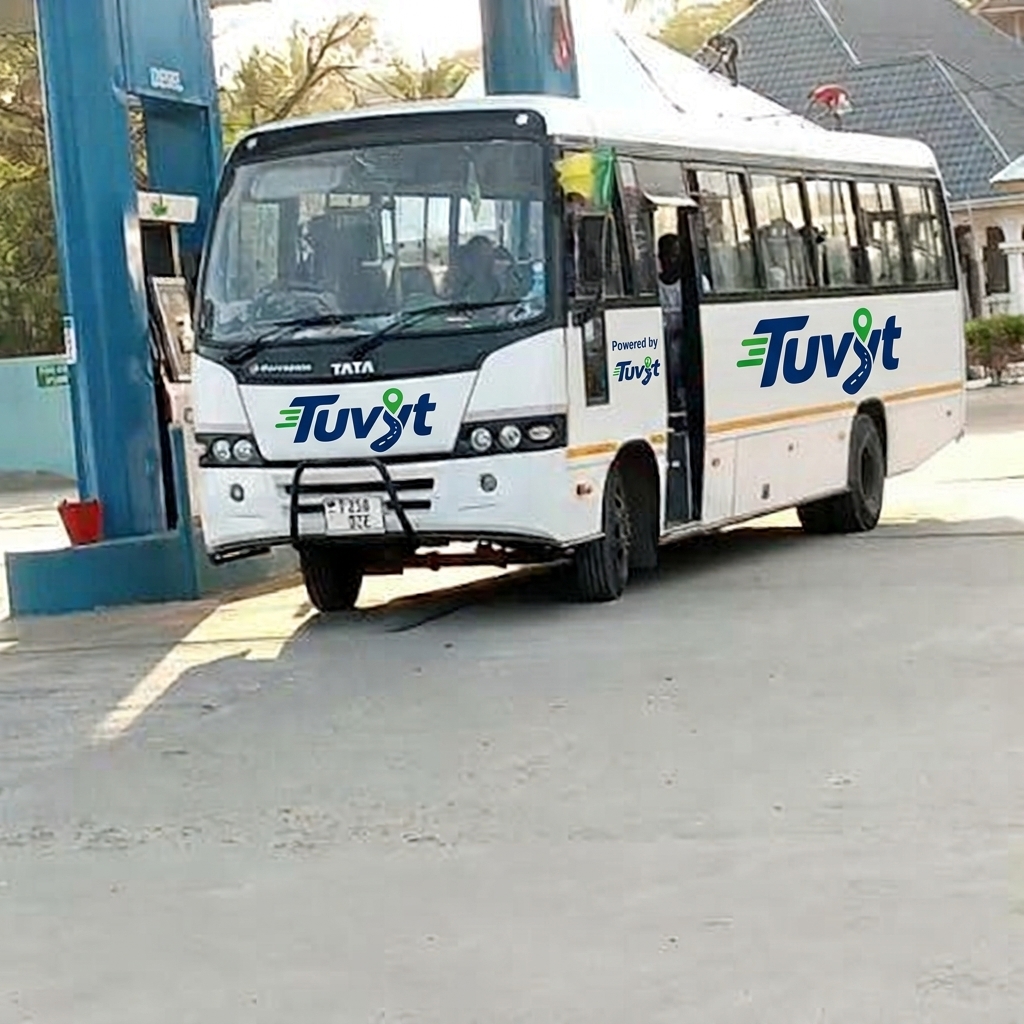
Daladala Commuter City Daladalas
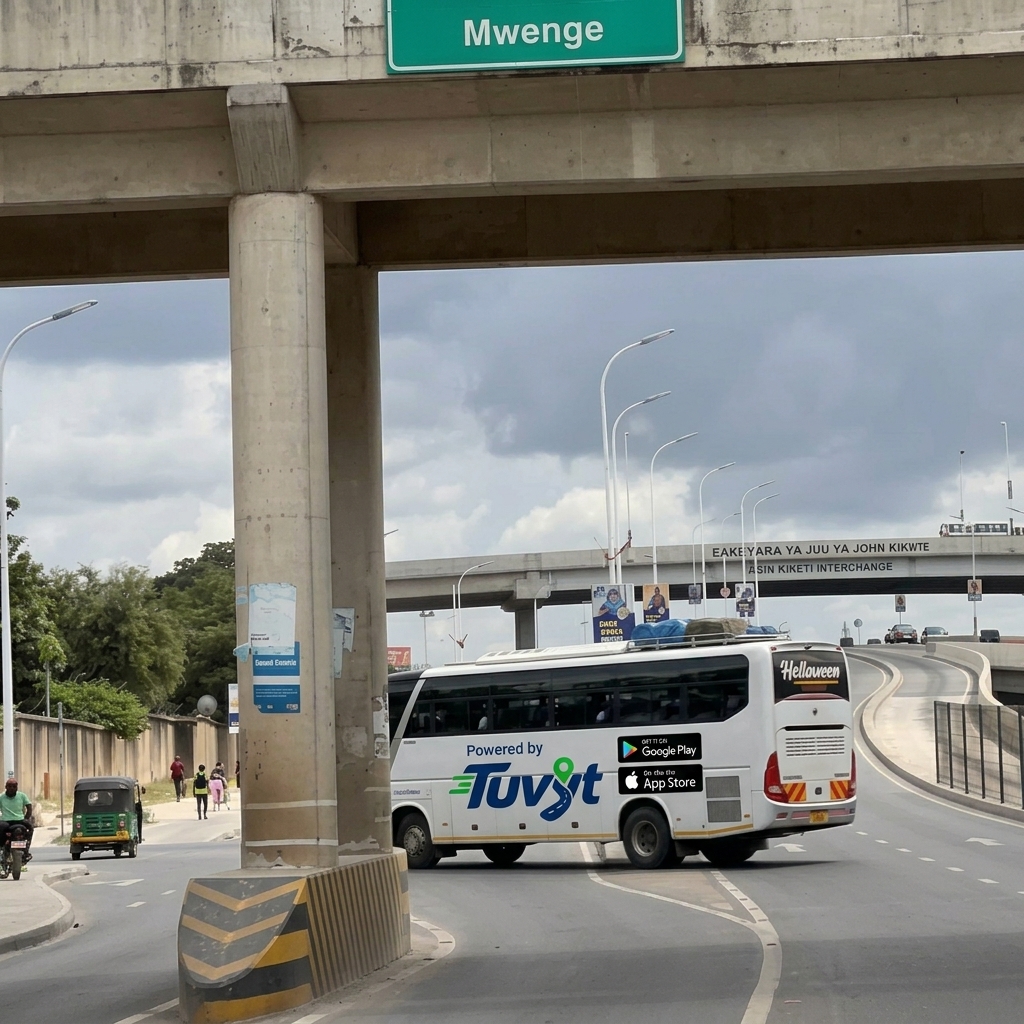
Regional Bus Regional Buses
Commuter Trains Commuter Trains
Fixed and Metered Transit Fixed & Metered Tariffs

Steps to Use Commuter Transit, Trains, Regional Buses

  1. 1 Select route: Select from moving routes, search in search icon, or click "Select All" then select your route.
  2. 2 Click route to see available vehicles on that route.
  3. 3 Click available vehicle you are inside or select based on vehicle details.
  4. 4 Select the pre-filled stations for pickup and dropoff (app automatically detects nearby pickup station).
  5. 5 Choose tariff option: Fixed or Metered (Fixed can have interpolation enabled by driver).
a) If you choose Fixed (Pay on spot):
  1. 6.Select payment method.
  2. 7.Swipe right to pay if PIN is not enabled; if PIN is enabled, wait for personal visit to driver.
  3. 8.Pay the fare.
  4. 9.Rate driver.
  5. 10.Keep ticket to show driver (no endtrip PIN required for fixed option).
b) If you choose Metered:
  1. 6.Select payment method.
  2. 7.Swipe right the button.
  3. 8.Check if driver has PIN enabled. If enabled, hand phone to driver to enter PIN to start route.
  4. 9.When destination is reached, hand phone to driver to enter dropoff PIN.
  5. 10.Pay the fare.
  6. 11.Rate the driver.
c) For vehicles with seating plan (Regional buses & Trains):
  1. 1.Click transport mode icons on top left bar.
  2. 2.Select Regional buses.
  3. 3.Select desired route.
  4. 4.Select desired online buses.
  5. 5.Select seat and enter all required information.
  6. 6.Select route pricing options including A (Fixed), B (Metered), and Official Booking.
  7. 7.Check the fare.
  8. 8.Choose payment options: Cash, Wallet, or Pay by Phone.
  9. 9.Pay the fare.
  10. 10.Receive ticket information.
  11. 11.Get ready for trip.

Route Service Highlights

  • 1Live route tracking and exact stop schedules.
  • 2Official digital ticketing for regional bus travel across Tanzania.
  • 3Fixed and metered tariff integration.
Commuter and Regional Buses
Category 4

Cargo, Freight & Backhaul Logistics

Reliable parcel delivery, commercial haulage, and returning vehicle capacity utilization.

Motorbike delivery Motorbike Delivery
Three-wheeler cargo 3-Wheeler Cargo
Cargo truck Cargo Truck
Regional cargo transit Cargo Transit & Backhaul

Steps to Request Cargo & Logistics Services

  1. 1 Select the Backhaul button.
  2. 2 View the list of available Backhaul and Cargo vehicles.
  3. 3 Click the floating Customer Request button.
  4. 4 Enter the pickup and drop-off locations.
  5. 5 Enter the estimated cargo weight.
  6. 6 Enter the cargo type and description.
  7. 7 Select a suitable cargo vehicle: Motorbike Delivery, Three-Wheeler Cargo, or Cargo Truck.
  8. 8 Upload an image or capture a fresh photo of the cargo.
  9. 9 Select the preferred delivery schedule.
  10. 10 Select the payment method.
  11. 11 Click Post Shipment to submit the request.
  12. 12 The driver receives the shipment request.
  13. 13 The driver sends an offer with a full price breakdown and options to confirm or decline.
  14. 14 Review and accept the driver's offer before proceeding.
  15. 15 The driver navigates to the pickup location.
  16. 16 The driver collects the cargo, completes the delivery, and navigates to the drop-off destination.
  17. 17 Pay using your selected payment method.
  18. 18 Rate the driver and share feedback about the delivery experience.
  19. 19 Return to the dashboard.

Freight & Cargo Operations

  • 1 Post shipment requests for parcels, goods, and agricultural produce.
  • 2 Use Backhaul matching to leverage available return trips at potentially discounted rates.
  • 3 Support secure handling and driver verification for high-value items.
TUVYT cargo, freight and logistics fleet
Category 5

Private Hire (7+ Seater Charters)

Spacious vans, minibuses, and custom vehicle charters for family delegations and corporate groups.

7+ Seater Passenger Van 7+ Seater Passenger Van
Executive Minibus Charter Executive Minibus Charter
Tour & Event Vehicles Tour & Event Charters
Dedicated Private Driver Dedicated Private Chauffeur

Steps to Book Private Hiring & Full Vehicle Charters

Use this mode when you need to charter an entire vehicle for your exclusive travels and group trips.

  1. 1 Click Where To button.
  2. 2 Click Private Hire tab.
  3. 3 Enter total number of passengers (the app will find the best vehicle match).
  4. 4 Select perfect matching category or vehicle type.
  5. 5 Enter your preferred pickup schedule.
  6. 6 Specify pickup and dropoff locations.
  7. 7 Submit your charter request.
  8. 8 Drivers receive request (instant or later); trip will be synced to your calendar.
  9. 9 Drivers send price quotes; select the offer most favorable to you.
  10. 10 Confirm one request quote.
  11. 11 Driver notifies when arrived at pickup location.
  12. 12 Passengers board the vehicle.
  13. 13 Arrive safely at dropoff destination.
  14. 14 Upon route completion, passenger pays driver.
  15. 15 Rate the driver.
  16. 16 Return to dashboard.

Private Charter Features

  • 1 Customized seating capacity for 7 passengers and above.
  • 2 Direct price offer negotiations and custom route scheduling.
  • 3 Dedicated support for tours, events, and long-distance excursions.
Private Hire Charters
Category 7

Chaperones & Travel Buddies

Personal guidance, market shopping companions (Winga), city navigation buddies, and exercise companions with optional dedicated transport.

City Travel Buddy Chaperone City Travel Buddy Chaperone
Market Chaperone Winga Market Chaperone / Winga
Training or Exercise Chaperone Training or Exercise Chaperone
Chaperone with Vehicle Chaperone with Personal Vehicle

Steps to Request Chaperones / Travel Buddy

There are two ways to get chaperone services: A). Roundtrip (Go and Return) and B). Single Trip (One Way).

Option A Roundtrip – A Go and Return Chaperone Service

Uses the Roundtrip steps with available Chaperones listed by default.

  1. 1 Click Roundtrip button besides Where To Button.
  2. 2 Enter pickup and Drop off location.
  3. 3 Enter number of passengers for roundtrip.
  4. 4
    Select Available Chaperones based on your needs:
    • City Travel buddy Chaperone
    • Market Chaperone / Winga
    • Training or Exercise Chaperone

    (These are always shown regardless of transport and passenger match so it is easy to pick your desired chaperone).

  5. 5 Add any note during the trip e.g. I need walking chaperone, I need one with vehicle such as Car, motorbike etc. (optional).
  6. 6 Specify start time of your trip.
  7. 7 Specify return time of your trip.
  8. 8 Choose payment method.
  9. 9 Send Request.
  10. 10 Wait for approval where it will come with cost justification and confirm button.
  11. 11 Select the most suitable vehicle based on price and Hit confirm button.
  12. 12 Wait for Chaperone to pick you up.
  13. 13 Head to drop off with chaperone (if there is waiting time, the rates and charges are applied).
  14. 14 Do your activities taken in that trip while with the chaperone.
  15. 15 Taken from Drop off location to pickup location (Return to original pickup location).
  16. 16 Chaperone clicks arrived to pick up same location used for starting roundtrip.
  17. 17 You pay for the ride.
  18. 18 Rate the driver.
  19. 19 Return to dashboard.
Note: Some chaperones may be advanced and have their own transport, so you will see this status in the price quote. Adding a note can clarify that you need one with transport for easily getting a desired price quote.

Option B Single Trip – One Way Route Chaperone Service

This is the second major category of chaperone services designed for one-way routes just as taxis operate in the Request Ride service.

  1. 1 Click Where To button.
  2. 2 Remain on default Request Ride Section.
  3. 3 Enter Pickup and Drop off location.
  4. 4 Click Submit.
  5. 5
    Choose Category of Chaperones you need depending on those who are online:
    • City Travel buddy Chaperone
    • Market Chaperone / Winga
    • Training or Exercise Chaperone
  6. 6 Choose desired payment method.
  7. 7 Click Confirm Ride.
  8. 8 Select Desired Options and Offers.
  9. 9 Swipe right the send button.
  10. 10 Wait for Chaperone approval; if approved, wait for pick up.
  11. 11 See if a proposed price is sent from a chaperone; if sent, just confirm.
  12. 12 Chaperone arrives for a pick up.
  13. 13 You head to destination with chaperone (if there will be waiting during route, waiting charges will be applied).
  14. 14 Gets to drop off and chaperone confirms arrived to destination.
  15. 15 You pay for the Chaperone service.
  16. 16 Rate the chaperone.
  17. 17 Return to the dashboard.
Note: This is for a one-way route only, as taxis and other vehicles operate in this Request Ride service.

Chaperone Specifications & Key Features

  • 1 Vetted and background-checked companions tailored for safety and local navigation expertise.
  • 2 Versatile service modes: Walking Chaperones, Market Shopping Wingas, and Chaperones with personal transport.
  • 3 Transparent hourly waiting fees and trip pricing customized to your activity duration.
Chaperones and Travel Buddies
Get on Play Store Download App Store